Spotify for Creators: Free Hosting for Audio and Video Podcasts
Spotify's free podcast host, formerly Anchor. Upload audio or video, publish to Spotify instantly, send… Learn More


Every podcaster has one: the interview recorded in an echoey hotel room, the guest who joined from a busy café, the field recording with an air conditioner humming underneath. Diffio is an AI speech-restoration tool built for exactly those recordings. You upload the file, Diffio removes background noise, room echo and supported distortion or clipping from the speech, and you compare the original and restored versions side by side in your browser before you download anything. It is made by a small, independent company founded in 2024 by Nathan Harmon, an engineer with a decade of signal-processing work behind him, and it does one job rather than trying to be a full production suite. (last updated 10/14/2026)
Diffio is refreshingly clear about what it is and what it is not. It does not edit, mix, level or master your episode, and it does not work in real time, so it is a restoration step you run before editing rather than a replacement for an all-in-one tool like Auphonic or a live noise canceller like Krisp. Its closest rivals in the guide are Adobe Podcast and Cleanvoice. Where Diffio stands out is the review workflow: hearing the original and the restoration under one playhead, and keeping several attempts in one project, makes it easy to catch the over-processed, robotic sound that aggressive AI cleanup can produce. Support for video files is a real plus for podcasters who publish on YouTube.
The Basic plan is good value at $8 a month for six hours, which covers a weekly show comfortably, but the jump to $99 for Pro is steep if you need more. Diffio is also young: independent reviews are still scarce, and most of the comparisons available today come from Diffio itself. The free trial lets you hear only the first two minutes of each result, so use your three uploads on your hardest recordings, and listen closely before you commit.
Pros:
Cons:
There are no reviews yet.
Spotify's free podcast host, formerly Anchor. Upload audio or video, publish to Spotify instantly, send… Learn More

OpusClip turns a filmed podcast episode into short vertical clips for YouTube Shorts, TikTok and… Learn More

The Shure MoveMic Two Kit offers top-notch audio quality and versatility, making it a fitting… Learn More

Explore how Podcast Topic Ideas by PodSqueeze offers essential insights into audience search trends and… Learn More

Transcript LOL is the transcription tool that is changing the game for podcasters, offering high… Learn More

Amaze Media Labs (formerly Trailergram) offers podcasters a data-driven, campaign-based approach to reaching new listeners… Learn More



Spotify's free podcast host, formerly Anchor. Upload audio or video, publish to Spotify instantly, send your…
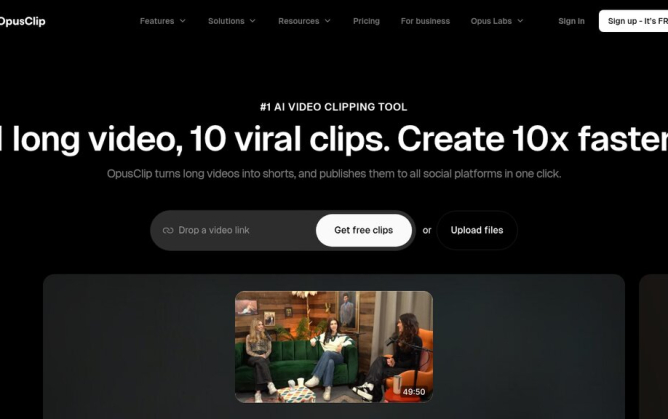
OpusClip turns a filmed podcast episode into short vertical clips for YouTube Shorts, TikTok and Reels,…
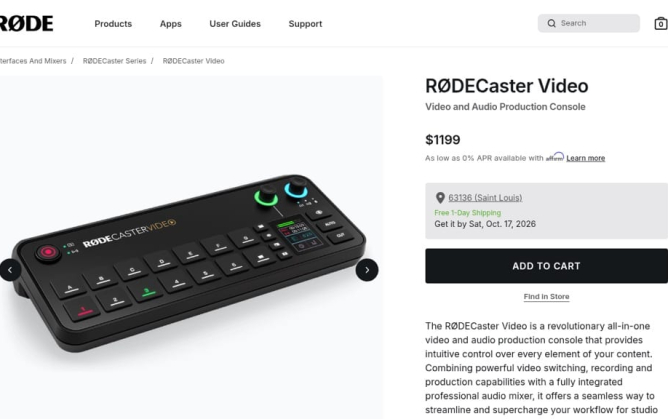
A video podcast studio in one box: the RØDECaster Video switches up to six cameras, mixes…
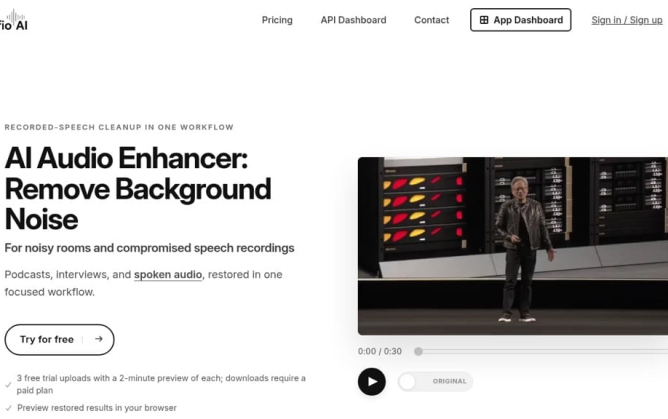
Diffio is an AI speech-restoration tool that removes background noise, room echo and distortion from recorded…

The Shure MoveMic Two Kit offers top-notch audio quality and versatility, making it a fitting choice…

Explore how Podcast Topic Ideas by PodSqueeze offers essential insights into audience search trends and topic…

Transcript LOL is the transcription tool that is changing the game for podcasters, offering high accuracy,…

Amaze Media Labs (formerly Trailergram) offers podcasters a data-driven, campaign-based approach to reaching new listeners through…

WhisperTranscribe is a powerful ally for podcasters seeking accurate transcription services and effective content generation for…

FlexClip is redefining video editing for podcasters with intuitive, AI-powered tools. Put your podcast on the…




Session expired
Please log in again. The login page will open in a new tab. After logging in you can close it and return to this page.
Recent Comments