
OpusClip: AI That Cuts Podcast Episodes Into Short Vertical Clips
OpusClip turns a filmed podcast episode into short vertical clips for YouTube Shorts, TikTok and… Learn More


Another week, another AI tool promising to revolutionize your podcast workflow (while you’re still figuring out basic SEO). But WhisperTranscribe might actually be the real deal. WhisperTranscribe has rapidly evolved from a high-accuracy transcription tool into a comprehensive content repurposing platform for podcasters. While it remains a desktop-first solution (not cloud-based), its latest features now address the full content workflow—from transcription to social media clips and AI-driven content generation. (last updated 09/12/2025)
WhisperTranscribe has matured into a robust, podcaster-centric platform that goes far beyond simple transcription. The addition of Magic Chat, AI-powered clip creation, and personalized content generation makes it a compelling all-in-one solution for podcasters seeking to maximize their content’s reach and efficiency. However, as a desktop app, it may not fit every workflow, and the subscription pricing can feel steep in an increasingly competitive AI transcription landscape—especially given the rise of free or low-cost alternatives. The platform’s privacy advantages and powerful repurposing features, however, set it apart for creators who value control and versatility.
Pros:
Cons:
There are no reviews yet.
OpusClip turns a filmed podcast episode into short vertical clips for YouTube Shorts, TikTok and… Learn More

Diffio is an AI speech-restoration tool that removes background noise, room echo and distortion from… Learn More

The Shure MoveMic Two Kit offers top-notch audio quality and versatility, making it a fitting… Learn More

Explore how Podcast Topic Ideas by PodSqueeze offers essential insights into audience search trends and… Learn More

Transcript LOL is the transcription tool that is changing the game for podcasters, offering high… Learn More

Amaze Media Labs (formerly Trailergram) offers podcasters a data-driven, campaign-based approach to reaching new listeners… Learn More


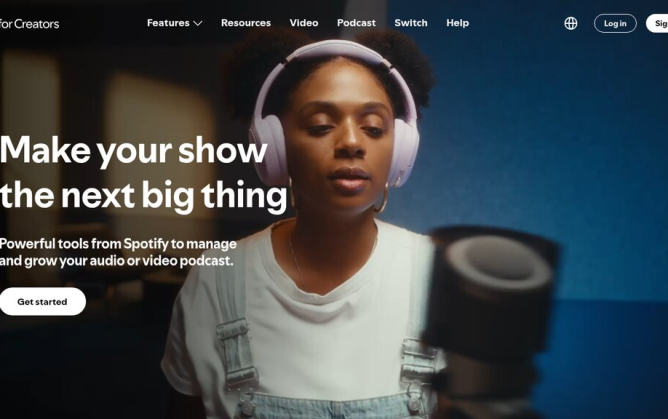
Spotify's free podcast host, formerly Anchor. Upload audio or video, publish to Spotify instantly, send your…
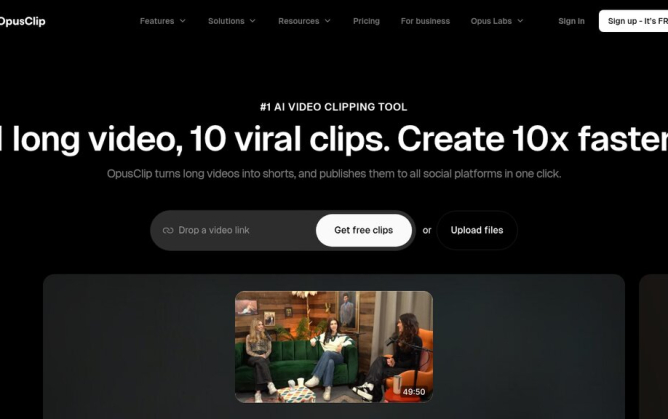
OpusClip turns a filmed podcast episode into short vertical clips for YouTube Shorts, TikTok and Reels,…
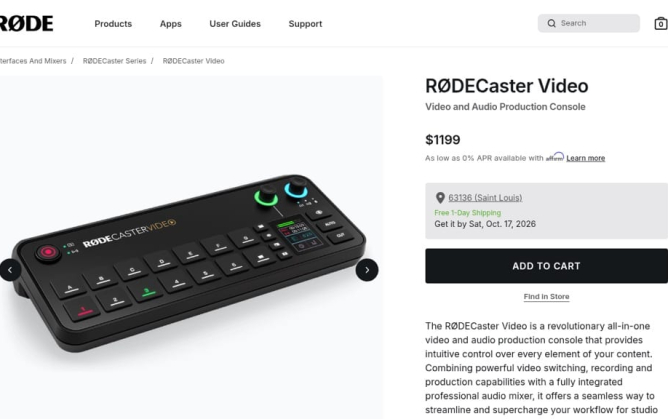
A video podcast studio in one box: the RØDECaster Video switches up to six cameras, mixes…
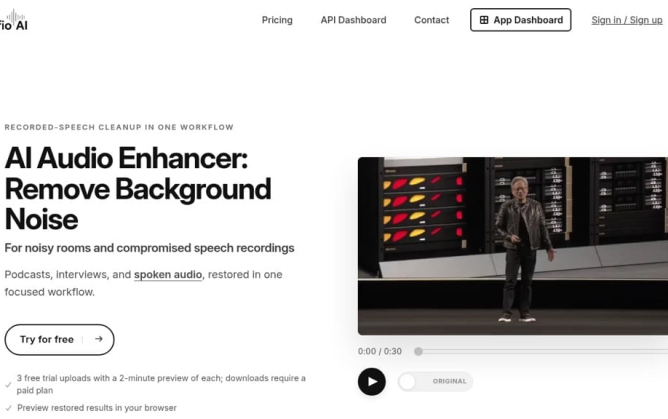
Diffio is an AI speech-restoration tool that removes background noise, room echo and distortion from recorded…

The Shure MoveMic Two Kit offers top-notch audio quality and versatility, making it a fitting choice…

Explore how Podcast Topic Ideas by PodSqueeze offers essential insights into audience search trends and topic…

Transcript LOL is the transcription tool that is changing the game for podcasters, offering high accuracy,…

Amaze Media Labs (formerly Trailergram) offers podcasters a data-driven, campaign-based approach to reaching new listeners through…

WhisperTranscribe is a powerful ally for podcasters seeking accurate transcription services and effective content generation for…

FlexClip is redefining video editing for podcasters with intuitive, AI-powered tools. Put your podcast on the…




Session expired
Please log in again. The login page will open in a new tab. After logging in you can close it and return to this page.
Recent Comments