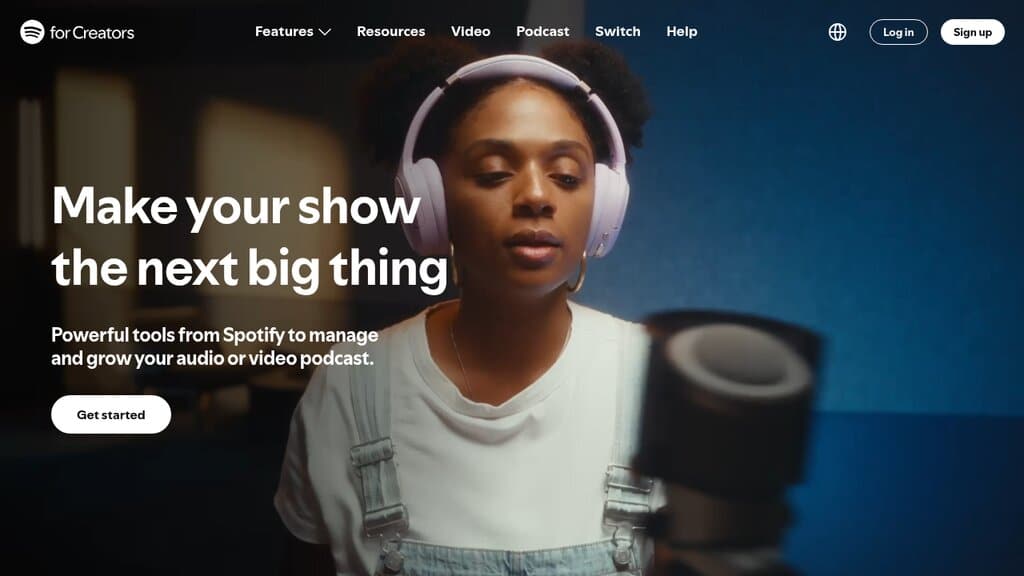
Spotify for Creators: Free Hosting for Audio and Video Podcasts
Spotify's free podcast host, formerly Anchor. Upload audio or video, publish to Spotify instantly, send… Learn More


OpusClip takes a long video, such as a filmed podcast episode or interview, and cuts it into short vertical clips for YouTube Shorts, TikTok and Instagram Reels. Its AI reads the whole conversation, picks the moments most likely to hold attention, reframes them so the speaker stays in the center of a phone screen, and adds animated captions. For podcasters who record on video but never find the time to make clips by hand, it turns one episode into a week of social posts in minutes. It is made by OpusClip, an AI video company that raised funding from SoftBank Vision Fund 2 in 2025 and says more than 20 million creators and businesses use it. (last updated 10/18/2026)
OpusClip is the tool most podcasters compare every other clip maker with, and for a filmed conversation it does the job well: it finds usable moments, keeps faces centered and captions them in a style that works on Shorts and Reels. Independent reviews in 2026 broadly agree that it is strongest on talking-head and interview content, and that roughly two clips in three are usable with little or no trimming. The rest start a beat too late, end before the punchline or lack the context to stand alone, so plan on a human pass before anything goes out. Reviewers also note that it judges clips from the transcript, so moments that depend on what is on screen get missed, and that captions slip on names, jargon and strong accents. The Virality Score is a useful way to sort, not a forecast.
It needs video. If your show is audio only, an audiogram tool such as Headliner is the better fit. Compared with tools already in the guide, Vizzy Studio adds visuals to audio episodes, and Swell AI turns episodes into written articles and show notes. OpusClip is the one built around letting the AI pick the clips. The free plan is enough to test it on a real episode, but its watermark and 3-day file limit make it a trial rather than a working plan. The prices shown on its pricing page can change with the billing period you pick, so check before you subscribe.
Pros:
Cons:
There are no reviews yet.
Spotify's free podcast host, formerly Anchor. Upload audio or video, publish to Spotify instantly, send… Learn More
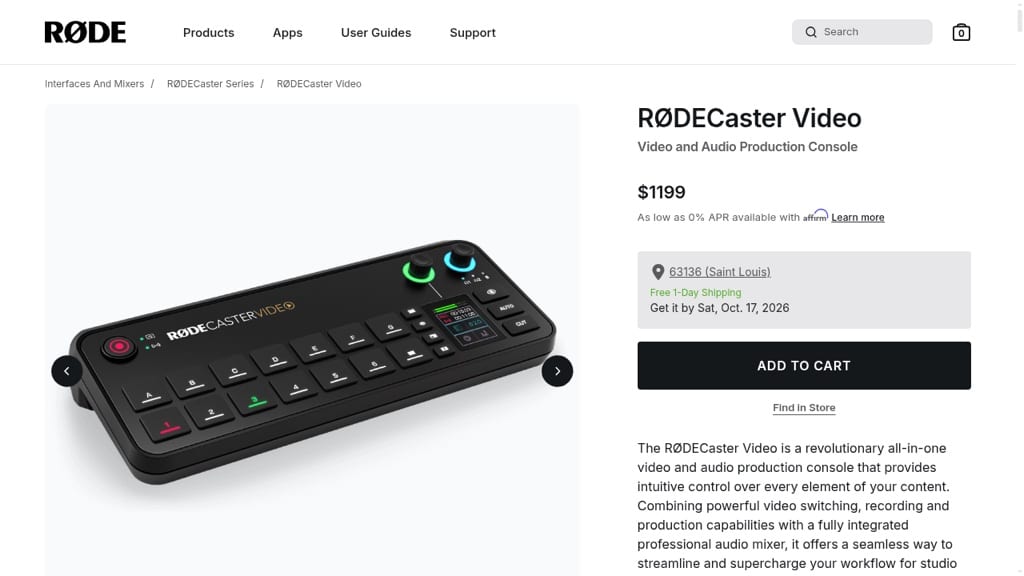
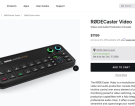
A video podcast studio in one box: the RØDECaster Video switches up to six cameras,… Learn More

Diffio is an AI speech-restoration tool that removes background noise, room echo and distortion from… Learn More

Explore how Podcast Topic Ideas by PodSqueeze offers essential insights into audience search trends and… Learn More

Transcript LOL is the transcription tool that is changing the game for podcasters, offering high… Learn More

Amaze Media Labs (formerly Trailergram) offers podcasters a data-driven, campaign-based approach to reaching new listeners… Learn More



Spotify's free podcast host, formerly Anchor. Upload audio or video, publish to Spotify instantly, send your…
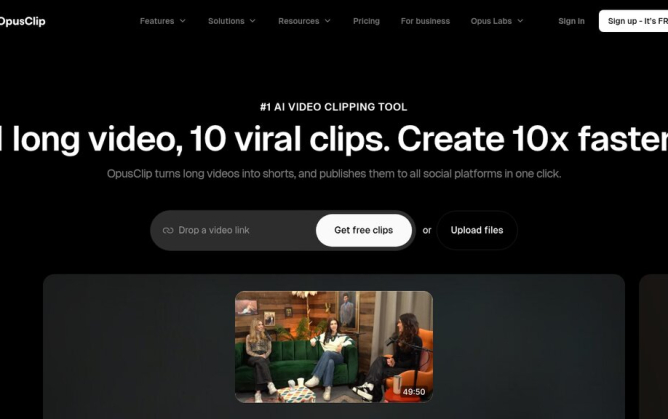
OpusClip turns a filmed podcast episode into short vertical clips for YouTube Shorts, TikTok and Reels,…
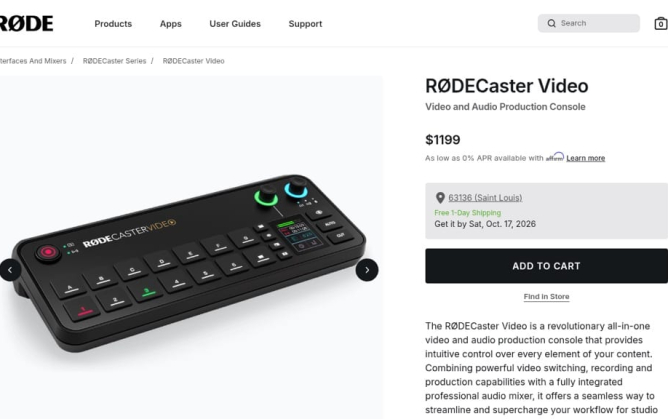
A video podcast studio in one box: the RØDECaster Video switches up to six cameras, mixes…
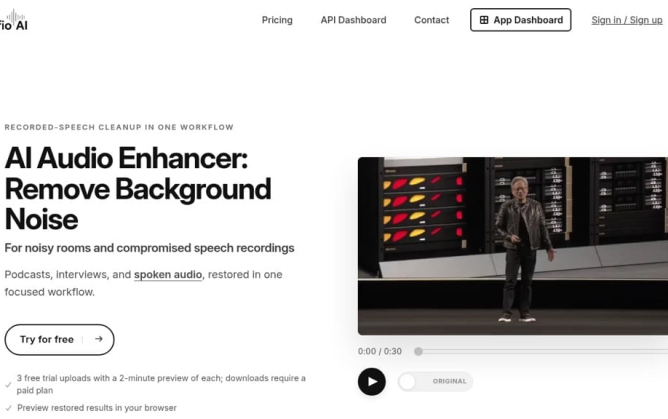
Diffio is an AI speech-restoration tool that removes background noise, room echo and distortion from recorded…

The Shure MoveMic Two Kit offers top-notch audio quality and versatility, making it a fitting choice…

Explore how Podcast Topic Ideas by PodSqueeze offers essential insights into audience search trends and topic…

Transcript LOL is the transcription tool that is changing the game for podcasters, offering high accuracy,…

Amaze Media Labs (formerly Trailergram) offers podcasters a data-driven, campaign-based approach to reaching new listeners through…

WhisperTranscribe is a powerful ally for podcasters seeking accurate transcription services and effective content generation for…

FlexClip is redefining video editing for podcasters with intuitive, AI-powered tools. Put your podcast on the…



Session expired
Please log in again. The login page will open in a new tab. After logging in you can close it and return to this page.
Recent Comments